
The Dual Monitor Setup: How to Organize and Save Your Desktop Space?

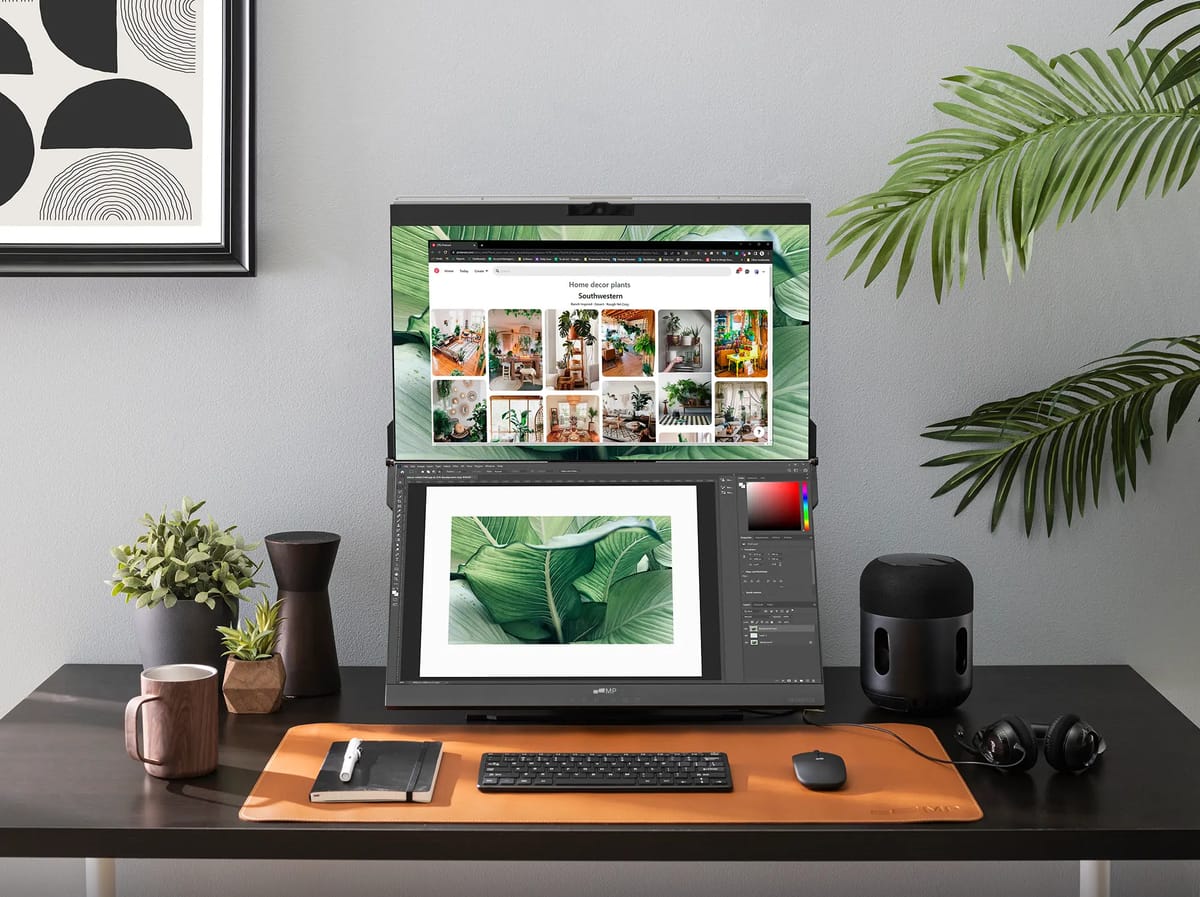
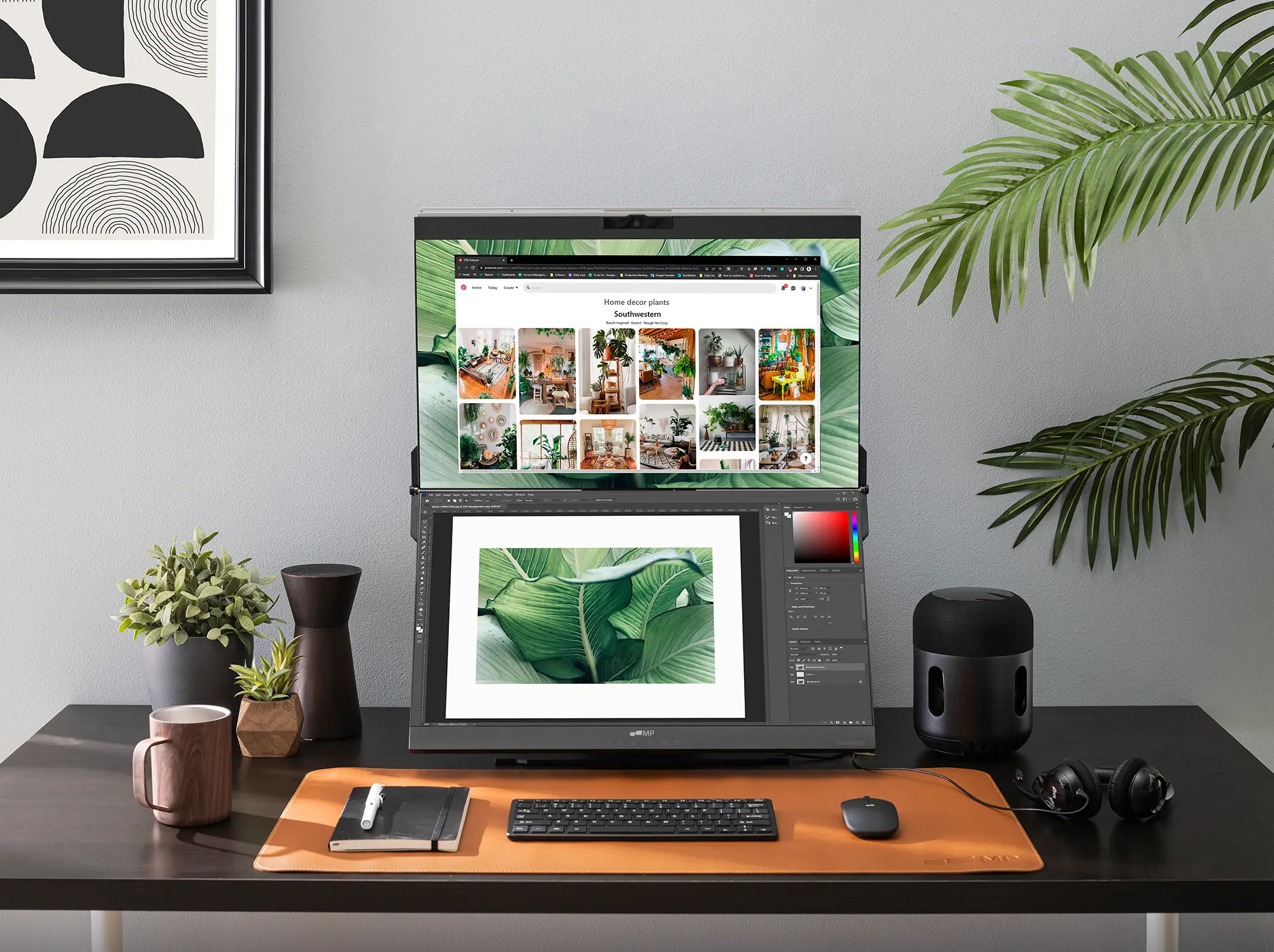
A dual monitor setup is a productivity powerhouse, but the sad part is that it can quickly become a chaotic mess if not properly managed. How? Rather than witnessing a smooth workflow, you might find yourself struggling to search for windows as there is too much unnecessary clutter, which compels you to lose the efficiency targets you aimed to gain in the first place. To tackle this situation, you need to organize strategically, using physical and virtual tools to transform your workstation into a productive one.
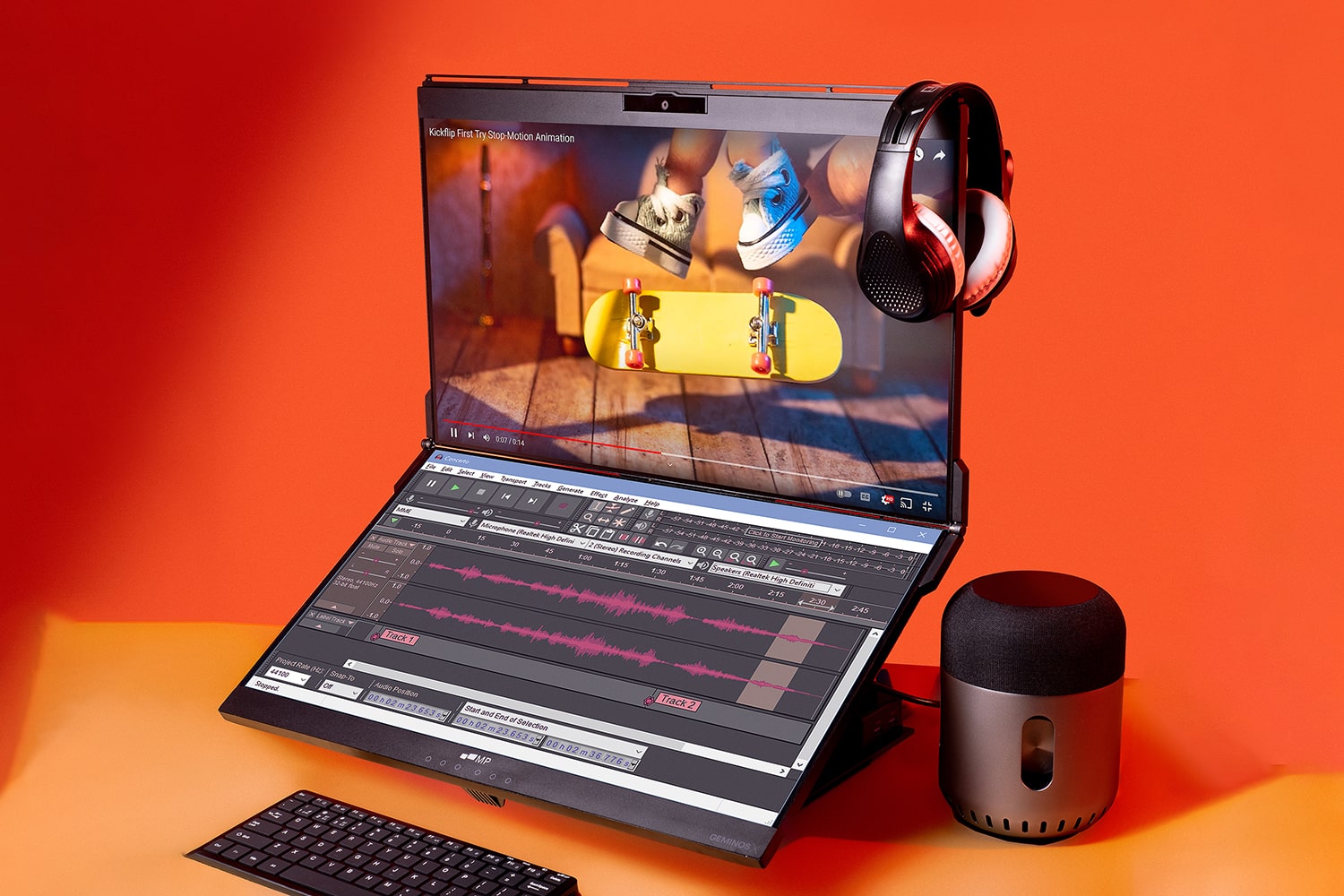
Does this sound relatable? Then, hurry and pamper yourself with a dual monitor to prevent such disturbances. Furthermore, the blog will share details regarding how you can organize and save your desktop space, enjoying your work in the long run.
Physical Placement and Resolution Harmony
First, you need to master the foundational step, physical placement, and ensure that your resolution cooperates.
Therefore, position your primary monitor directly before you and slightly angle the second screen to your preferred side. This reduces neck strain and ensures that most applications are always directly in sight.
Next, check the resolution of your monitor and see whether it is consistent. If not, it can result in unpleasant visual shifts whenever you move windows between screens. If nothing can be done with the different resolutions, consider selecting the higher resolution screen as your main display for tasks that require extra visual estate.
Place the Window Strategically
Place the window strategically after angling your monitors to your vision level. Doing so will instantly create more space on your desktop, but no need to drag and drop the applications; instead, embrace the following system:
Primary Monitor for Urgent Tasks
You should keep the main screen for your primary work, meaning urgent tasks. For instance, your coding, document writing, or editing videos on the concerned tools.
Secondary Monitor To Support Information
You can even use a secondary monitor to display reference materials, communication tools, and applications running in the background. For instance, you can compose emails, talk to clients on Slack, use web browsers for research, or mark things to do on your calendar. In this way, distractions are not allowed to enter your main screen, offering you rapid access to completion.
Harness Virtual Desktops’ Power
Virtual desktops serve as a game-changer for letting you organize a dual-monitor setup so that you can create several independent workstations on your current screens:
Dedicate Different Virtual Desktops
We suggest that you dedicate different virtual desktops for distinct tasks for projects to avoid errors:
Desktop 1 (Monitor 1 & 2) - Primary project work, like your coding, can be done on Monitor 1, and the documentation on Monitor 2.
Desktop 2 (Monitor 1 & 2) - To coordinate communication and participate in meetings, use your particular platform on Monitor 1 while sharing files on the second monitor.
Desktop 3 (Monitor 1 & 2): For researching and browsing, you can use multiple browsing windows across both monitors.
Quick Switching
Master the keyboard shortcuts for seamless switching between virtual desktops. For Windows, Press Ctrl + Win + Left/Right Arrow. For Mac, press Ctrl + Left/Right Arrow, or use the four-finger swipe to remove the hassle of minimizing or maximizing your windows.

Declutter Frequently
Despite adopting the best strategies, a digital mess can still pile up. Hence, declutter frequently in the following ways:
Shut Down Unused Applications
Please shut down any applications you are not using. This will free up your system's resources.
Organize Downloads
Keep organizing your download folder. Don’t let files take up your space, and regularly move files to their project folders.
Conclusion
You must have realized that setting up dual monitors in such a way that it organizes and saves your space is no rocket science. Just follow the above steps, and your workflow will be much easier.